Getting started
This page covers jumping straight into the editor, your first design in about a minute, and when you need an account.
bisect runs entirely in your browser — no download, no install. You don't even need an account to start. Open the editor and design right away; you only sign in when you want to save your work or export a file.
Your first design in about a minute
- From the homepage, click Try the beta (or go straight to the editor). It opens with an empty hoop — no sign-in needed.
- Press R and drag to draw a rectangle.
- With it selected, use the right-side Properties panel to pick a fill type — leave it on Tatami — and a color.
- Ready to keep it or sew it? Sign in (it's free), then click Export in the top bar. Choose PES for a Brother machine or DST for most others, and a hoop size that fits your machine.
- Copy the downloaded file to a FAT32-formatted USB stick, plug it into your machine, and sew a test on scrap fabric.
That's the whole loop. Everything else — satin columns, importing artwork, refining stitch order — builds on those steps.
When do I need an account?
Designing, drawing, and previewing are all free and open — no account required. You sign in only to:
- Save a project so it's there when you come back, and
- Export a stitch file (PES / DST) for your machine.
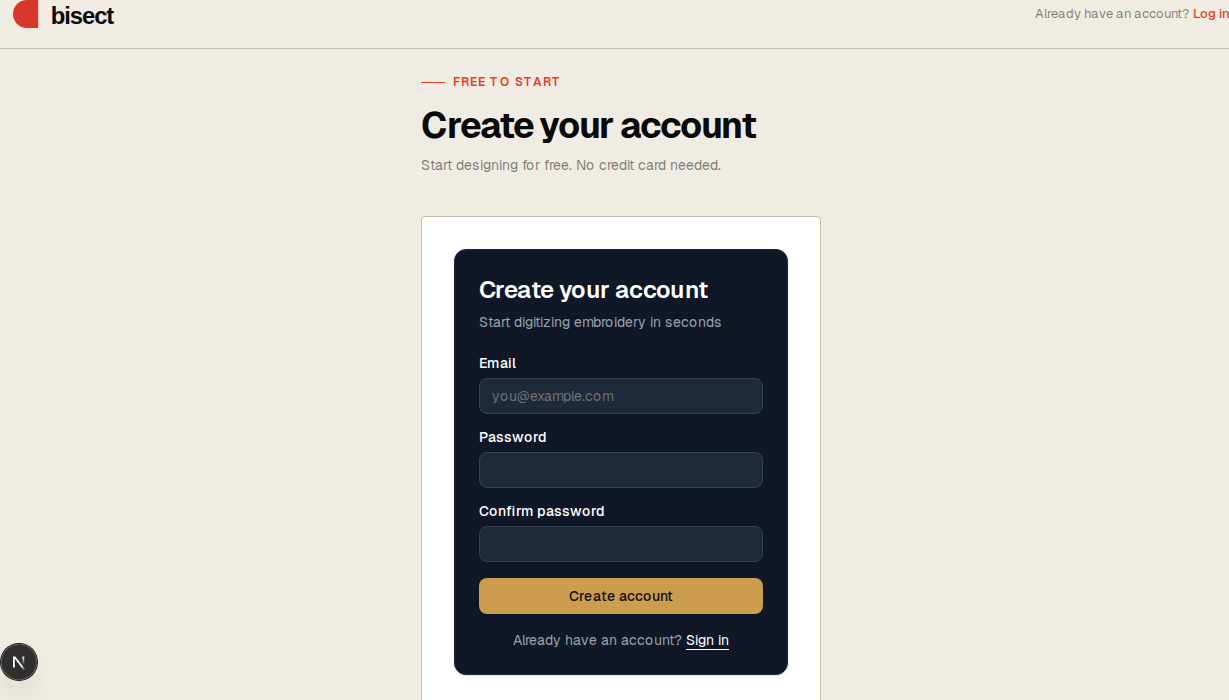
Create one on the sign-up page — sign up with Google, or enter an email and password and click the link in the confirmation email — and you're returned to bisect, signed in. Already have an account? Sign in here. Anything you drew before signing in comes with you.
What it costs
bisect is a free beta. Design as much as you like, and you get a generous monthly export allowance. (Pricing comes later — for now it's free to use.)
Next step
Open the editor and read The editor for a tour.
See also: Drawing & stitch types · Importing artwork · Exporting · Keyboard shortcuts