Artwork in.
Stitches out.
Drop in a picture and the engine builds a real stitch file — satin, fills, underlay, trims and travel paths — as editable objects you can change before you sew. Export PES or DST, in the browser.
It is an open beta, and it moves. Recipes get renamed, defaults get retuned, and some of them are labelled beta because they are. Every stitch-out below is a screenshot of the current build — no mockups, no hand-finished samples — so what you see is what it does today. The photographs are photographs: machines, not our output.
What comes out.
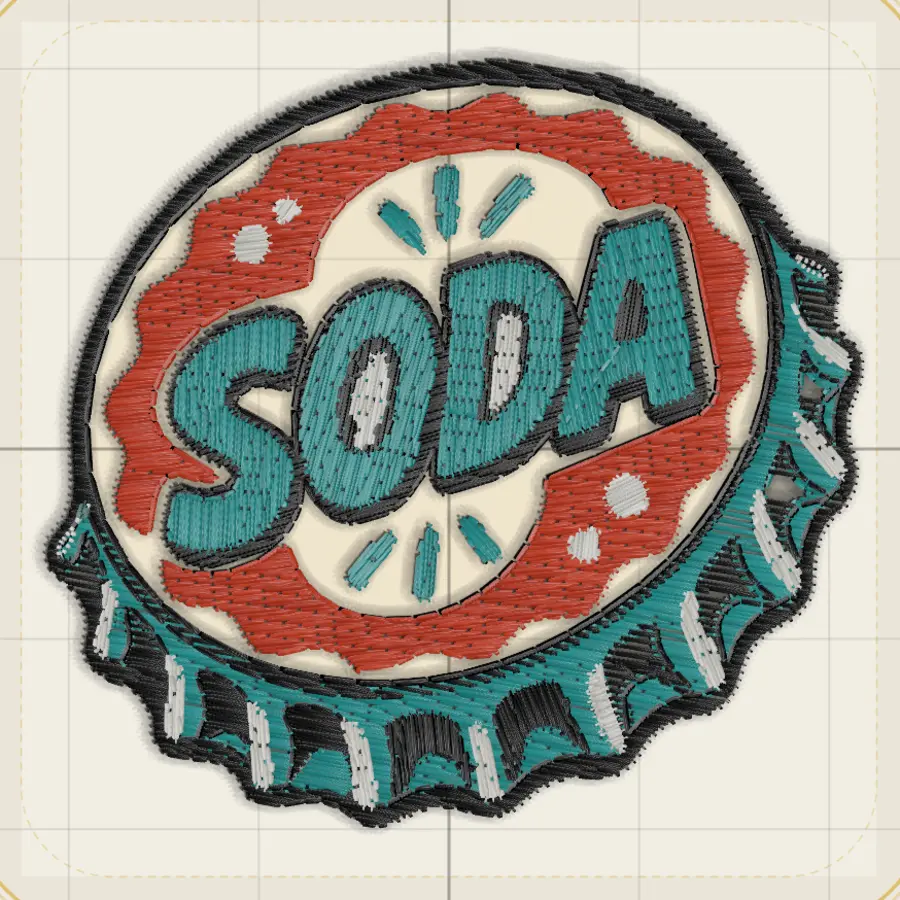
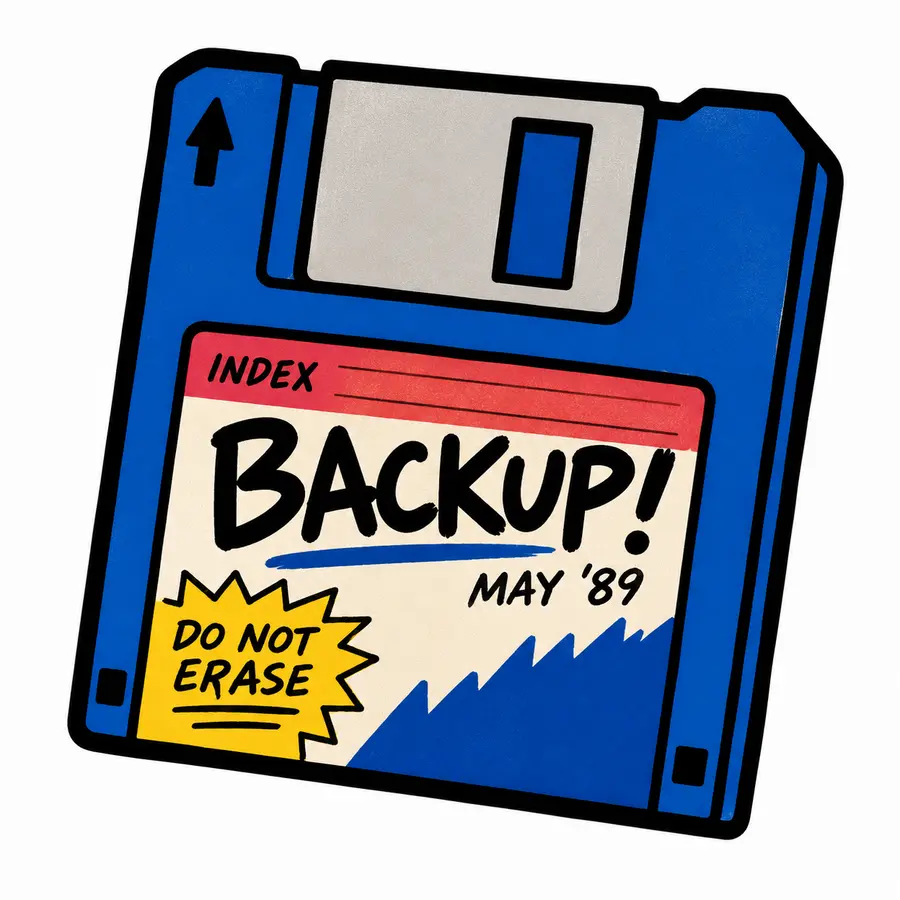
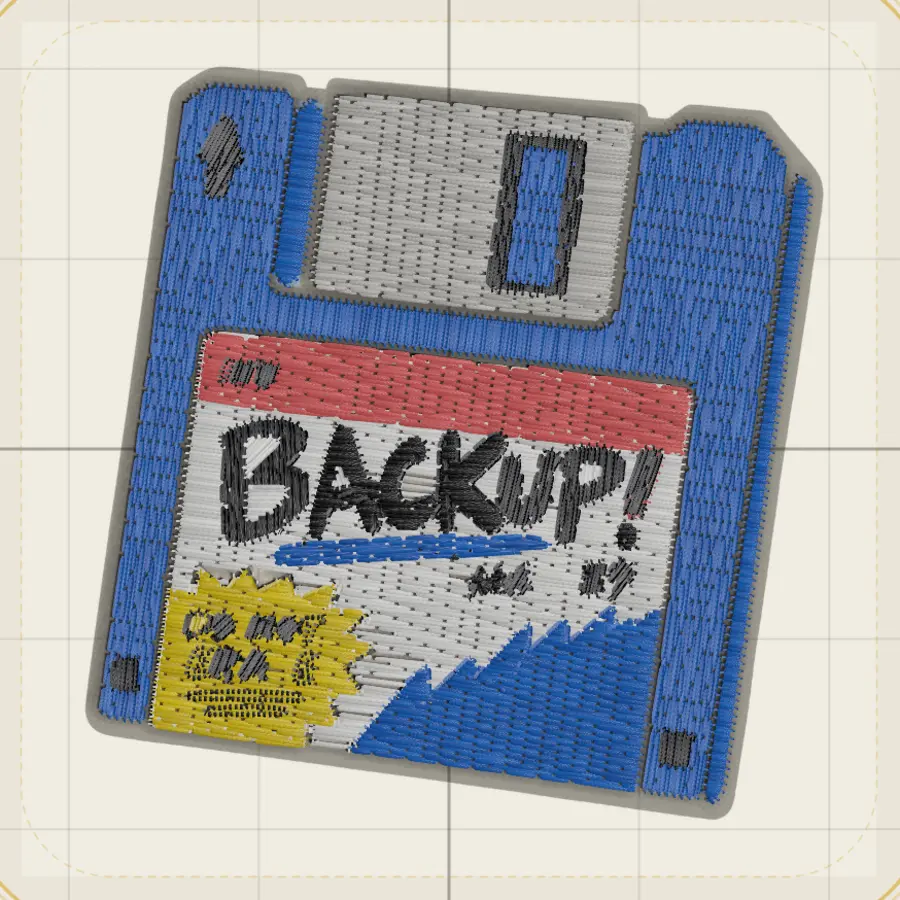
Left is the file that went in. Right is the stitches the engine made from it, shown in the editor’s realistic view at a 4×4″ hoop. Screenshots of the current build, not mockups — regenerated from the app whenever it changes.

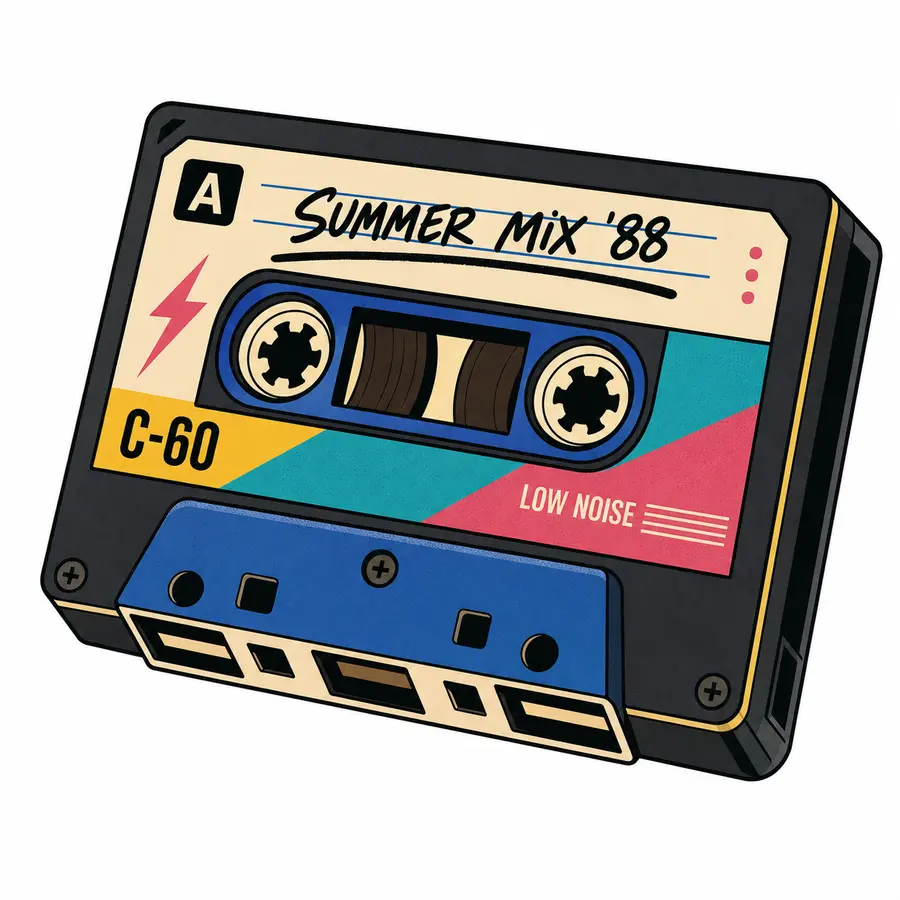
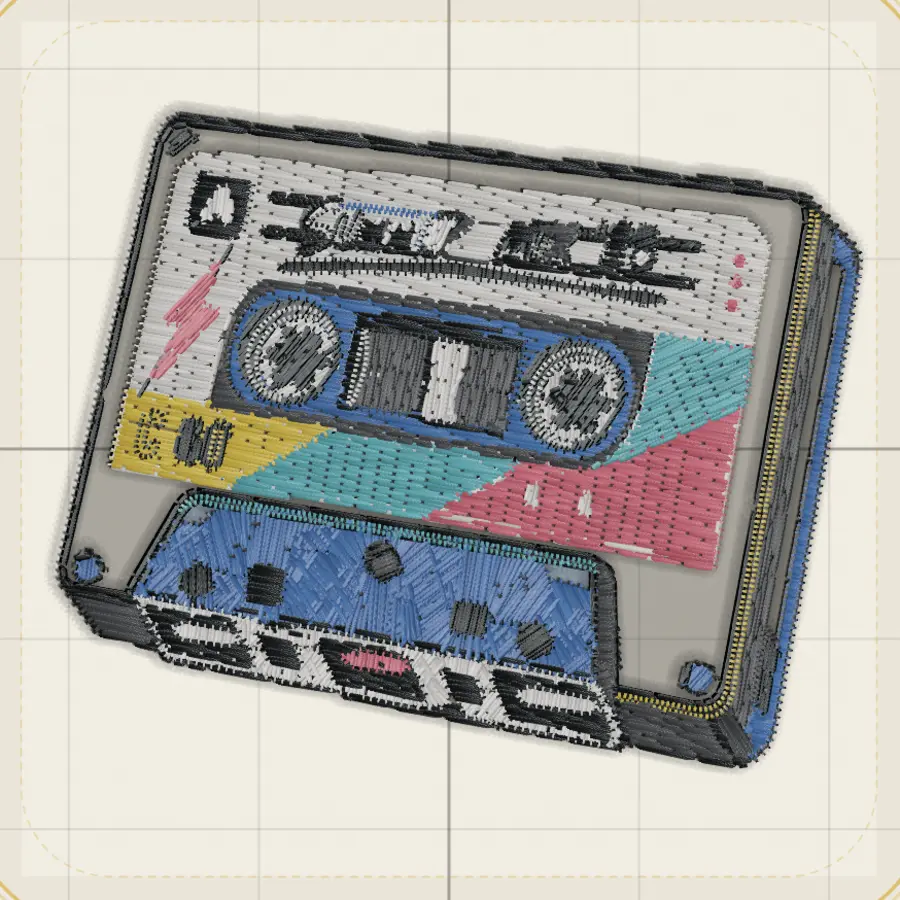
What it is good at
- Flat artwork with defined colour areas — logos, patches, cartoon art.
- Giving you editable objects, so you can change a fill or a colour after.
- Telling you what it will cost: stitch count, thread changes, warnings, before you sew.
- PES and DST out, with the file read back and checked after writing.
Where it will fight you
- Photographs. Tone is not colour areas, and it shows.
- Detail under about a millimetre — it becomes a thin line, because thread has a width.
- Small hoops. Most artwork is illegible at 4×4″ and the studio will say so.
- Anything labelled beta. Those are experiments we left switched on.
How it works.
Bring a picture
A logo, a patch design, a drawing. Frame it against the hoop so you can see how big it will actually sew.
Pick how it should sew
Each style is a different way of covering the artwork with thread. The engine builds the stitches — you get editable objects, not a flat file.
Check it, then sew it
Read the stitch count, thread changes and warnings before you commit. Export PES or DST and load it on the machine.
Stitch patterns.
Single-color fills inspired by classic embroidery techniques. Tatami, satin, spiral, drift — pick a fill, apply it to any shape.
A real digitizing editor.
Not a converter. A design tool with a stitch engine behind it. Draw paths, set fill types, preview stitches, adjust density — then export.
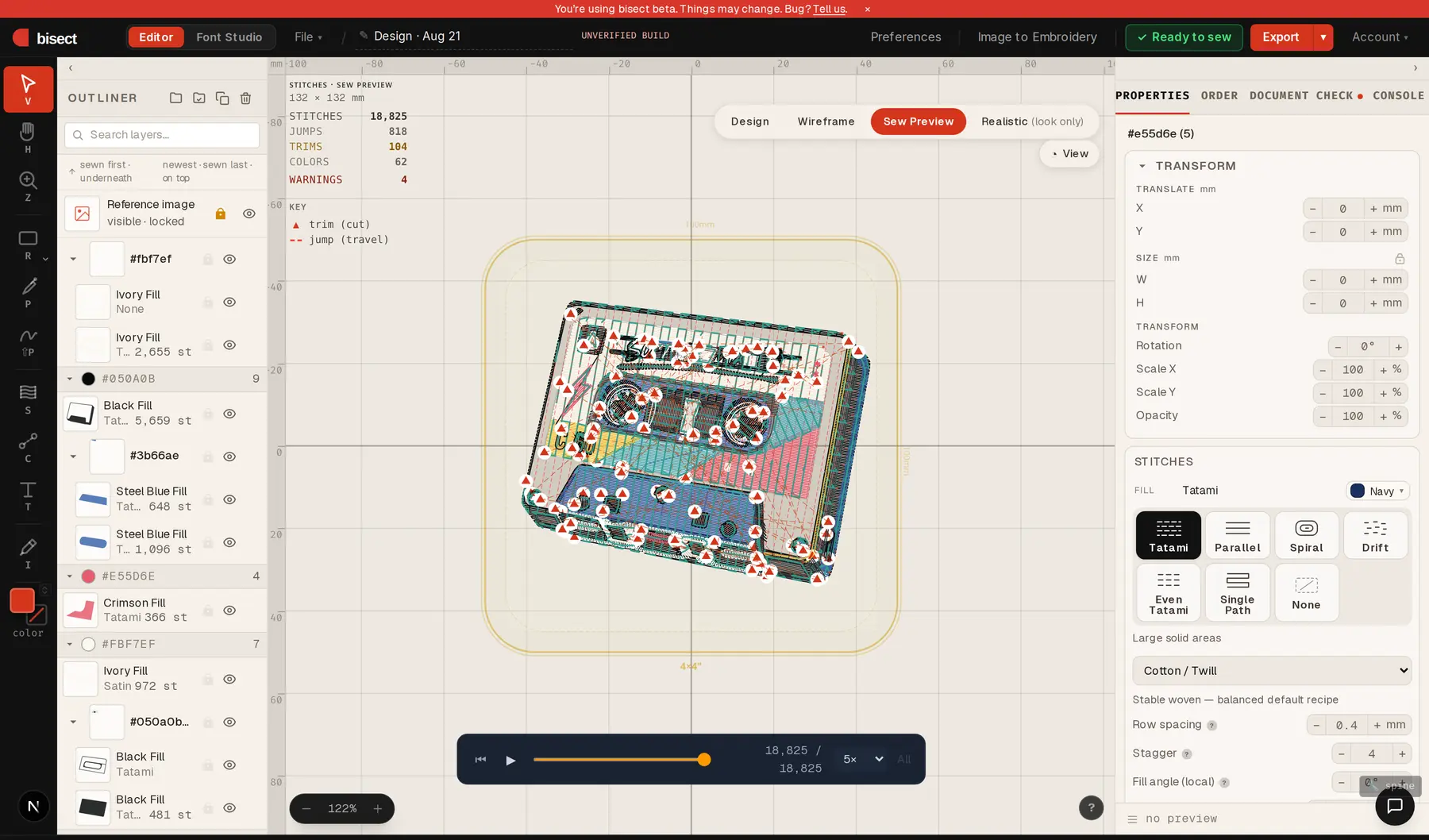
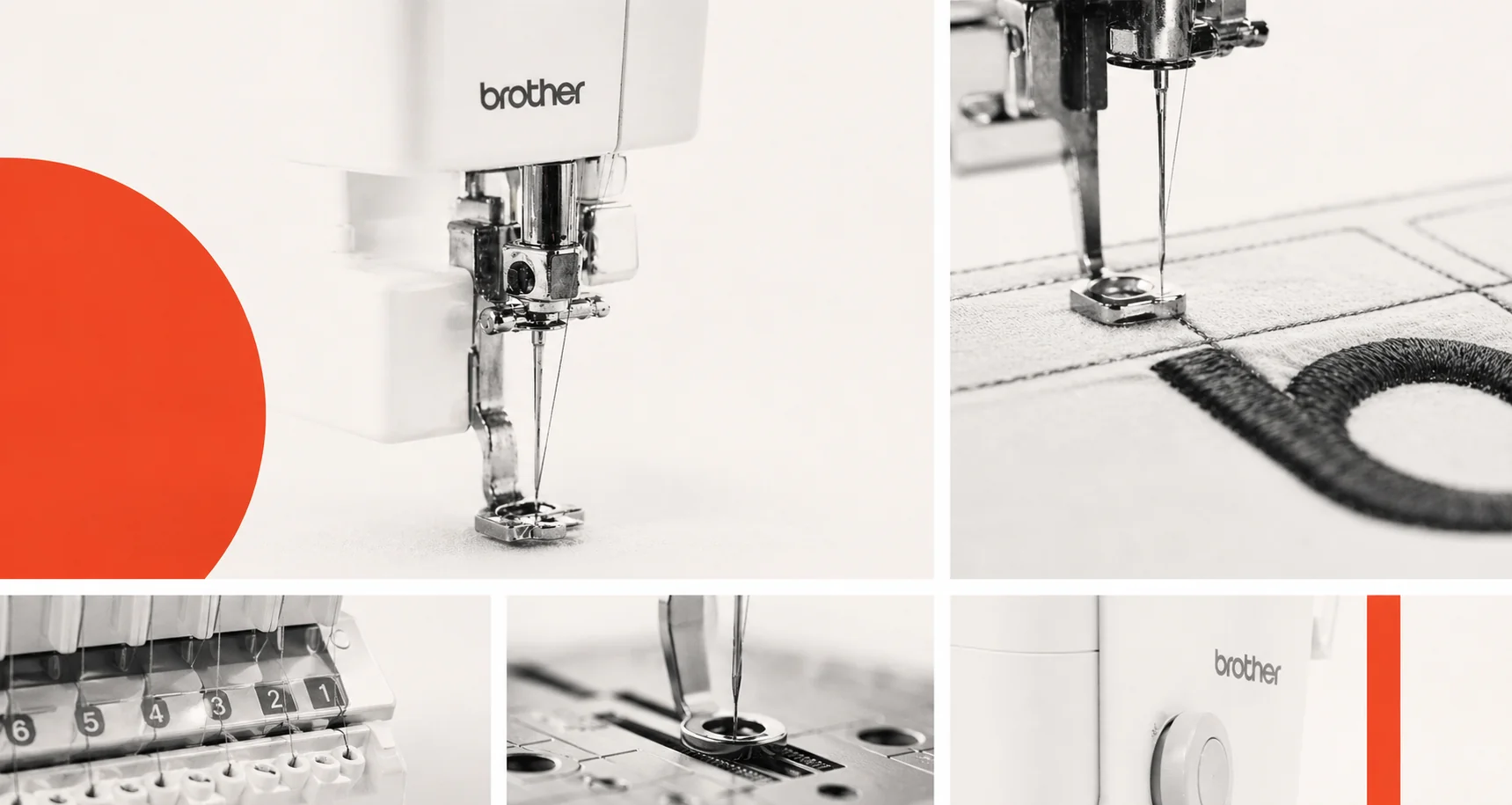
Works with your machine.
We make stuff.
A small group of artists, creator-tailors, and technical directors who like to make things, break them, and find out how they should work. We’re building the digitizing tool we wanted: lives in your browser, doesn’t gatekeep file formats, doesn’t make you sit through a tutorial before letting you draw a line.
bisect is in open beta. Stuff works. Some stuff is rough. Things we ship today, we sew on tomorrow.
Found a bug, want a feature, or sewed something cool? Tell us — hello@bisect.studio
Read more about us →